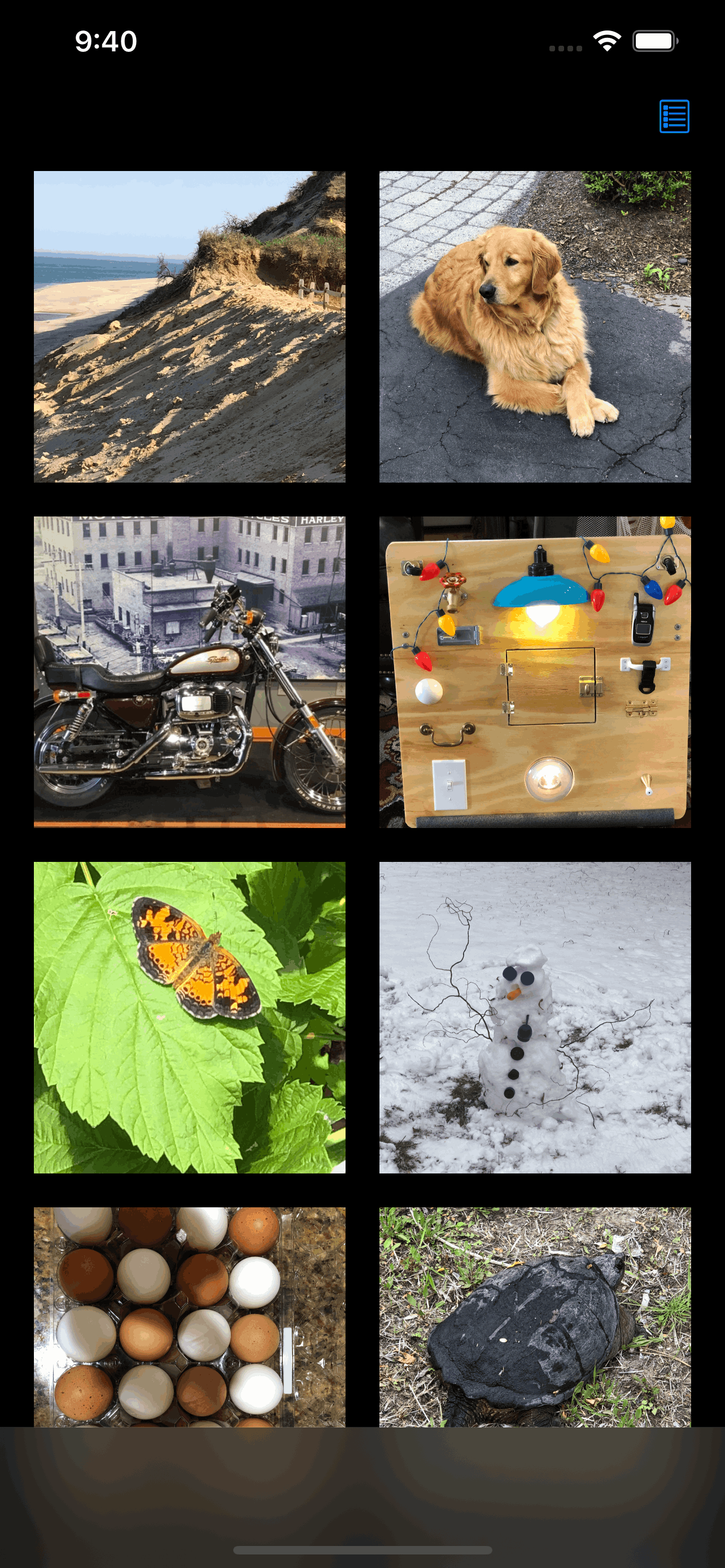
Buh! THE APP FOR SPEECH DELAYED & LATE TALKERS
This app uses the speech synthesizer on your device (iPhone or iPad) to speak text you associate with pictures you take or choose from your photo library.
This app uses the speech synthesizer on your device (iPhone or iPad) to speak text you associate with pictures you take or choose from your photo library.
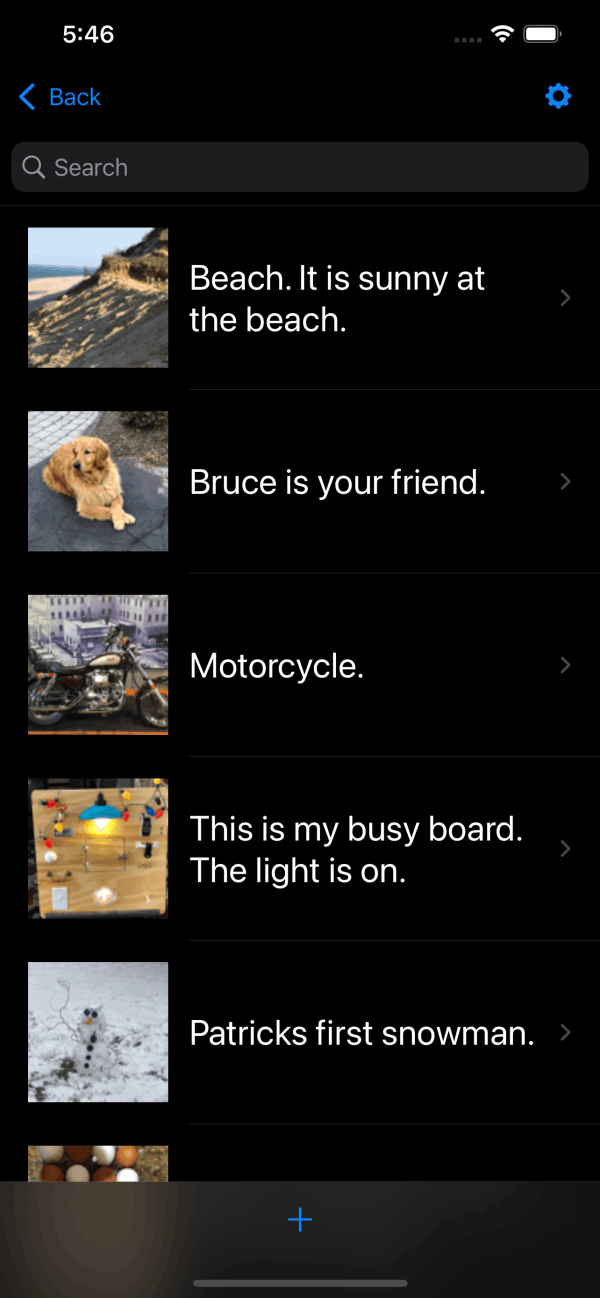
View the detail list to edit or add pictures and text.
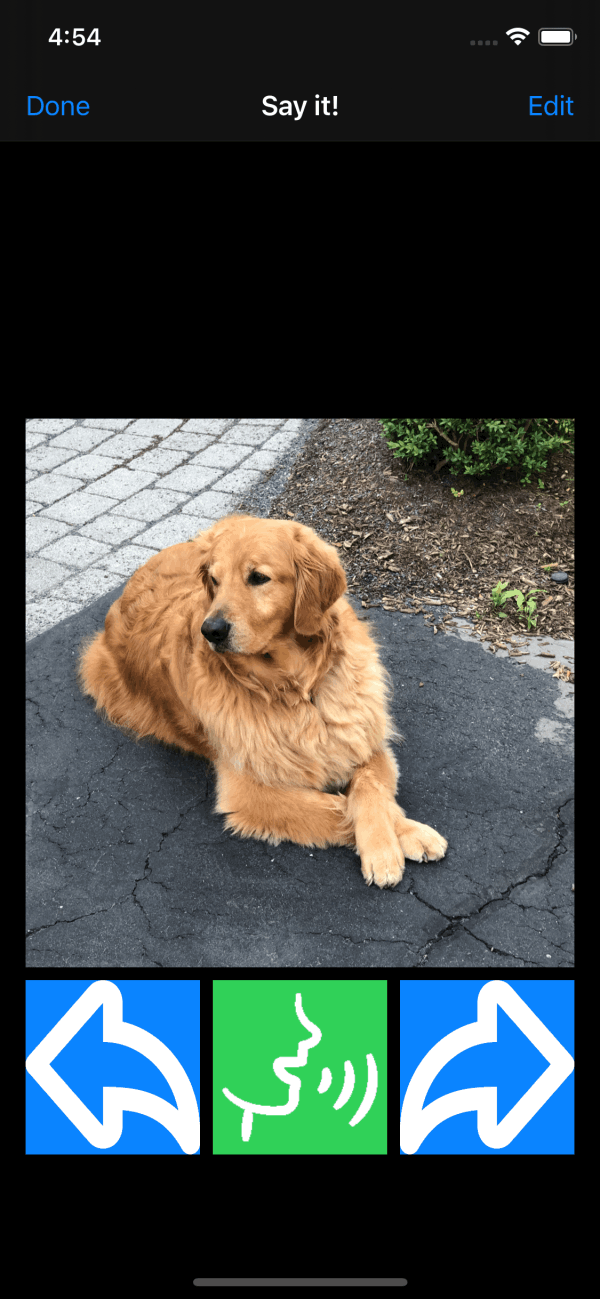
The text you entered is spoken when the picture is selected. Tap the green button to repeat. Swipe right or left to go to the next picture.
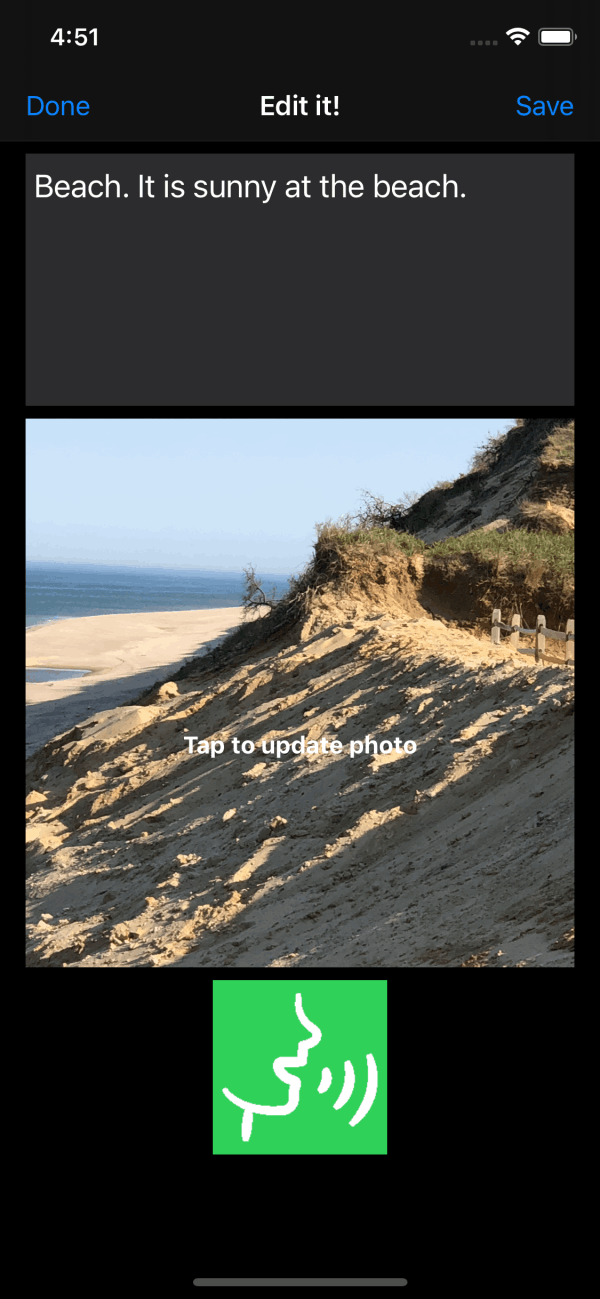
Tap Edit to enter the text you want the synthesizer to speak when the picture is selected.
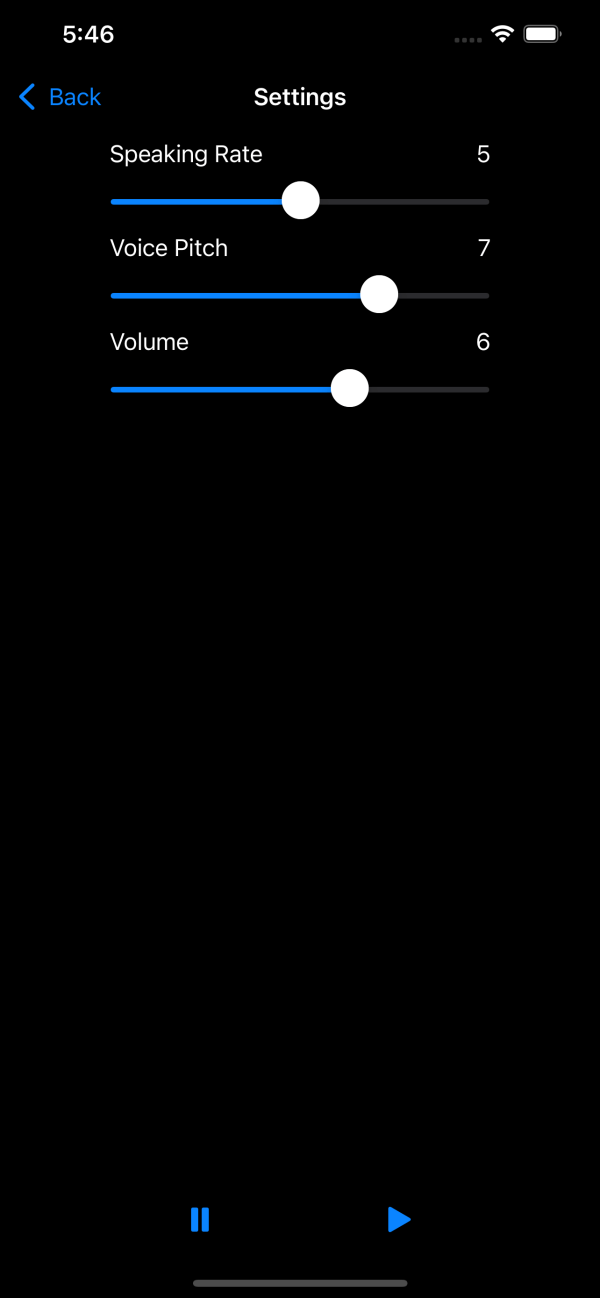
Select the speaking rate, voice pitch and volume you prefer in the setup view.
Test your selection by pressing the play button.

No Code Website Builder